Workspaces with your documents, chat with the sources, transcriptions, mail and calendar.
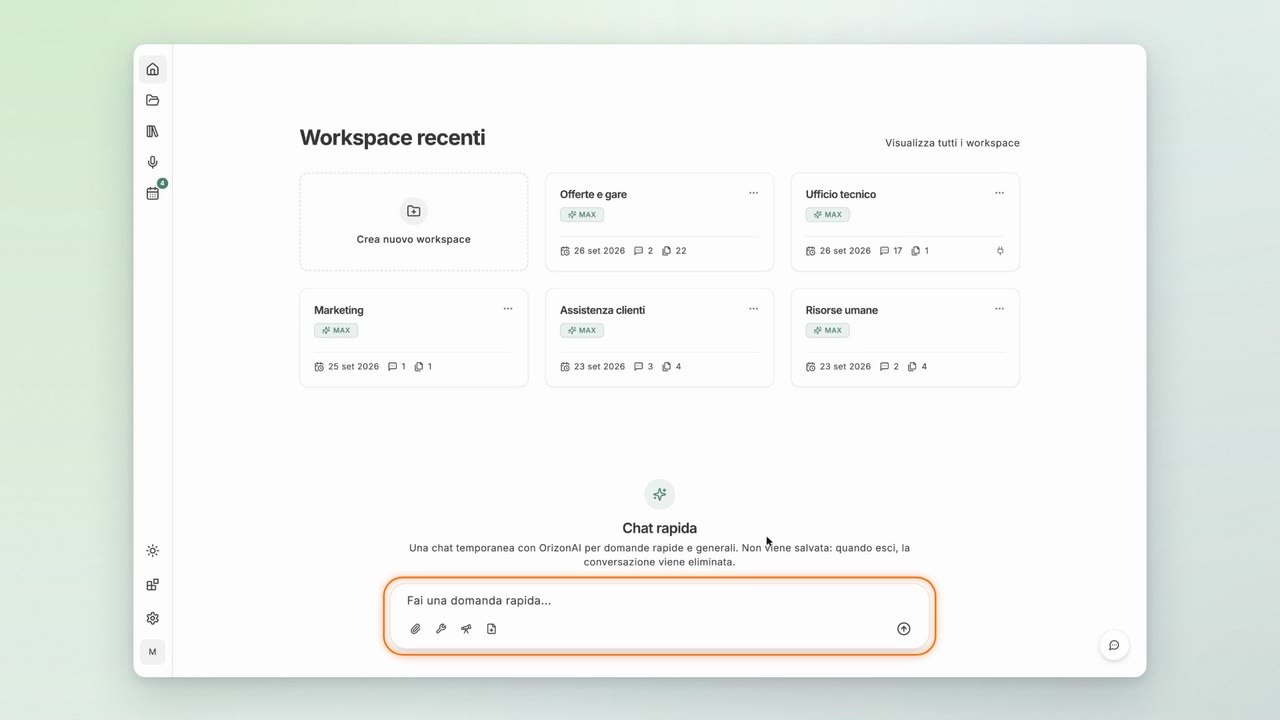
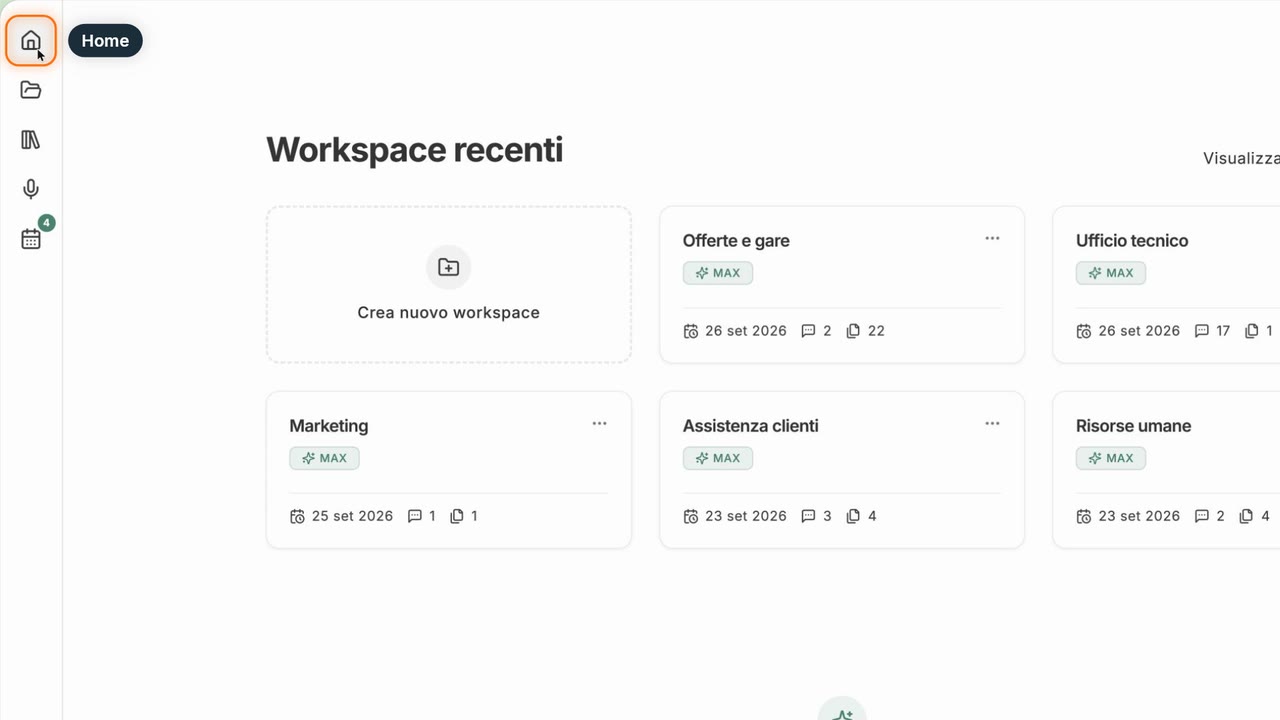
Your first sign-in, the home page, the quick chat and your profile.
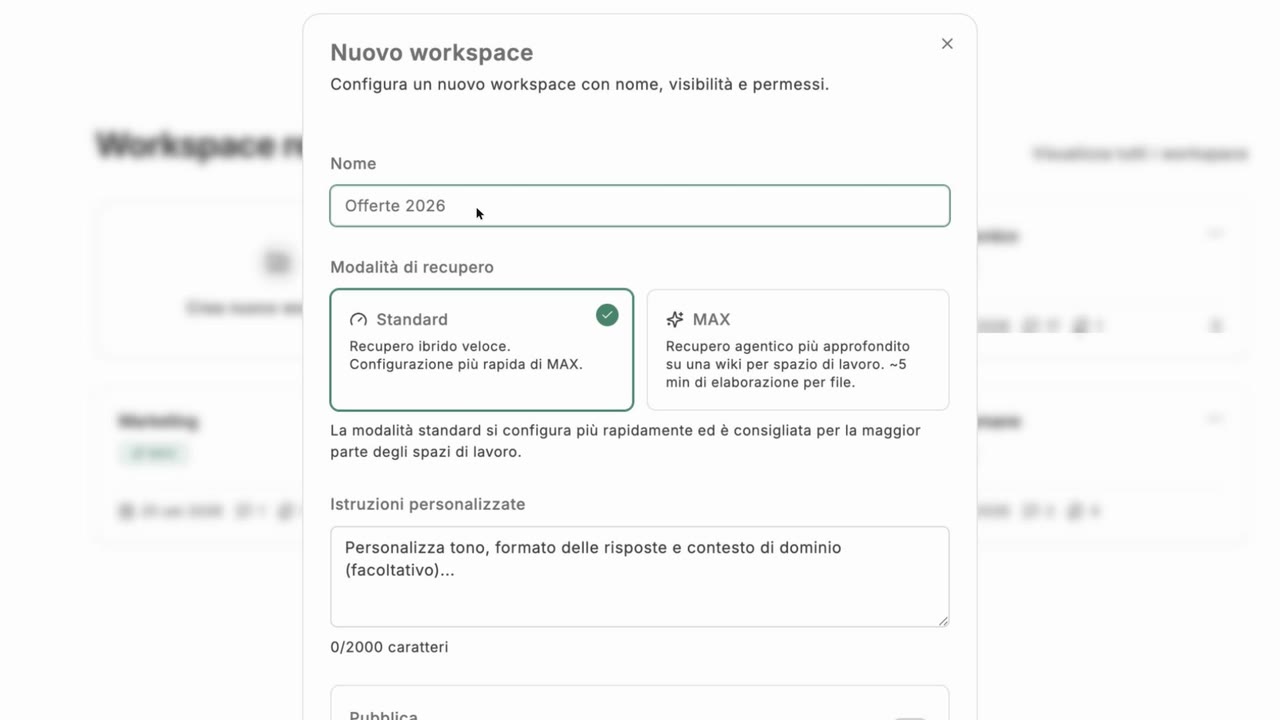
Create a workspace, choose Standard or MAX, turn on connectors and manage its settings.
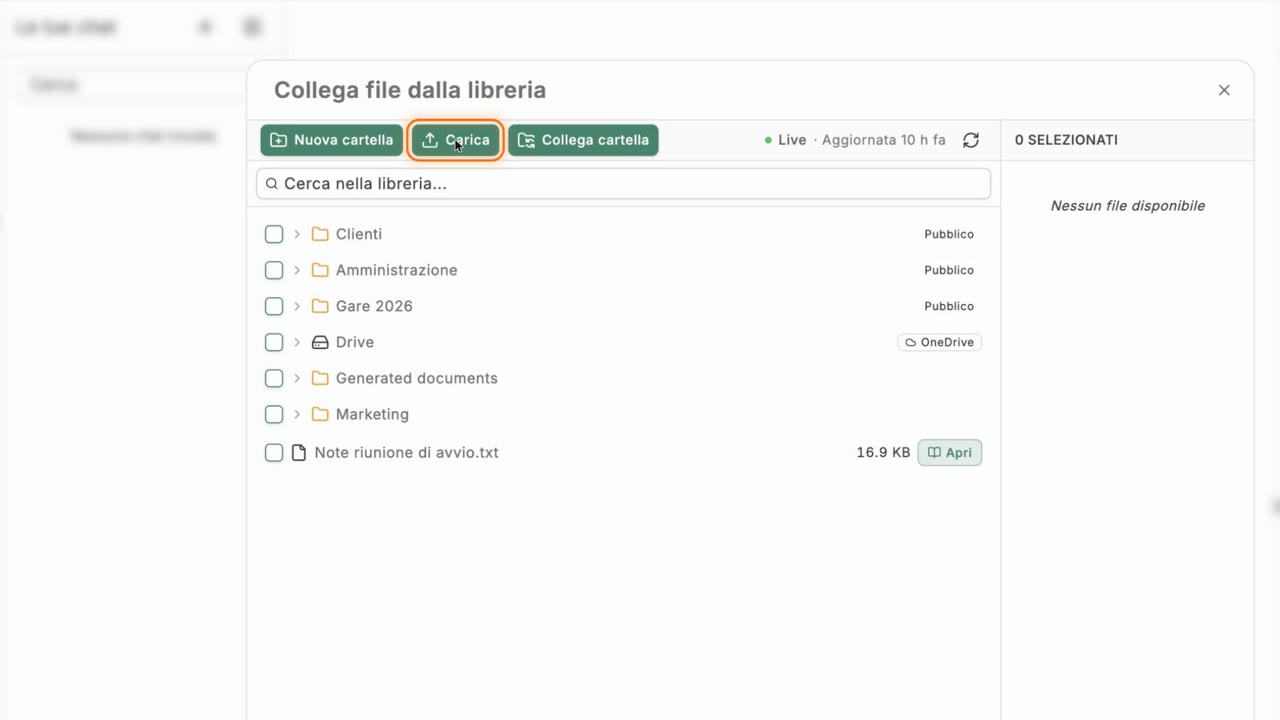
Add documents, transcriptions and links, use the Libreria and connect a folder on your computer.
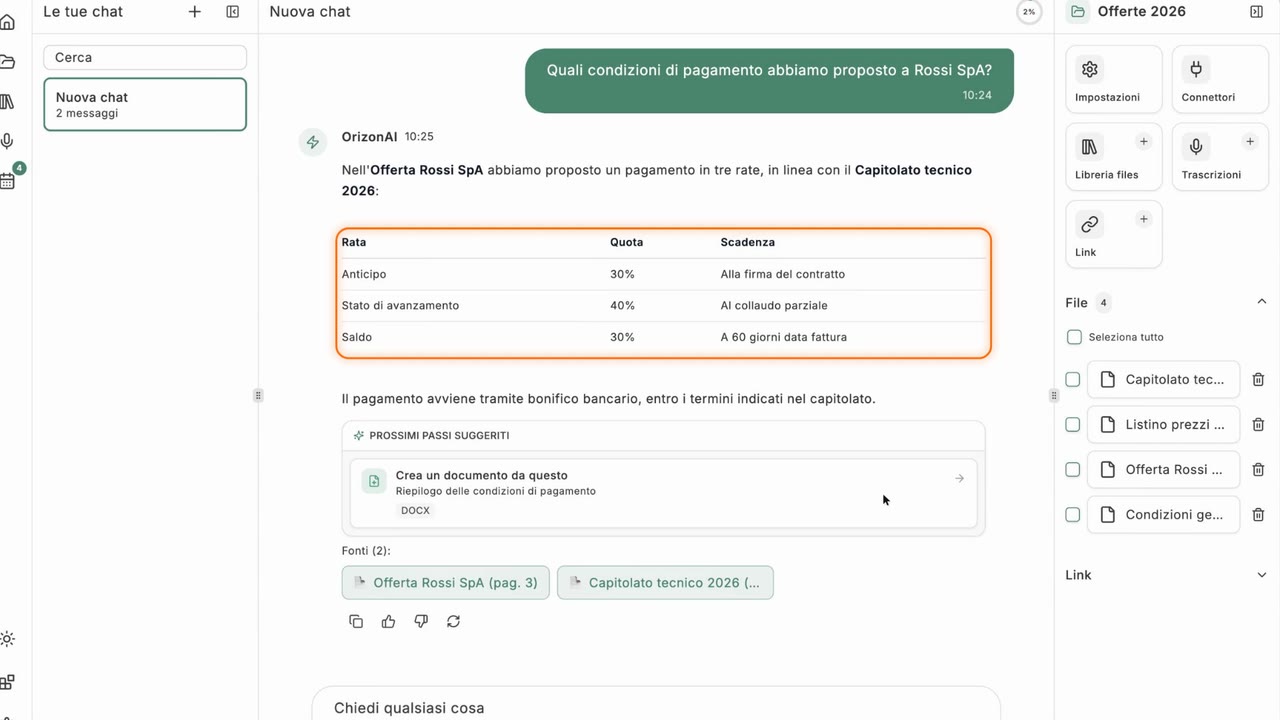
Ask questions with sources, attachments and tools, manage answers and create documents.
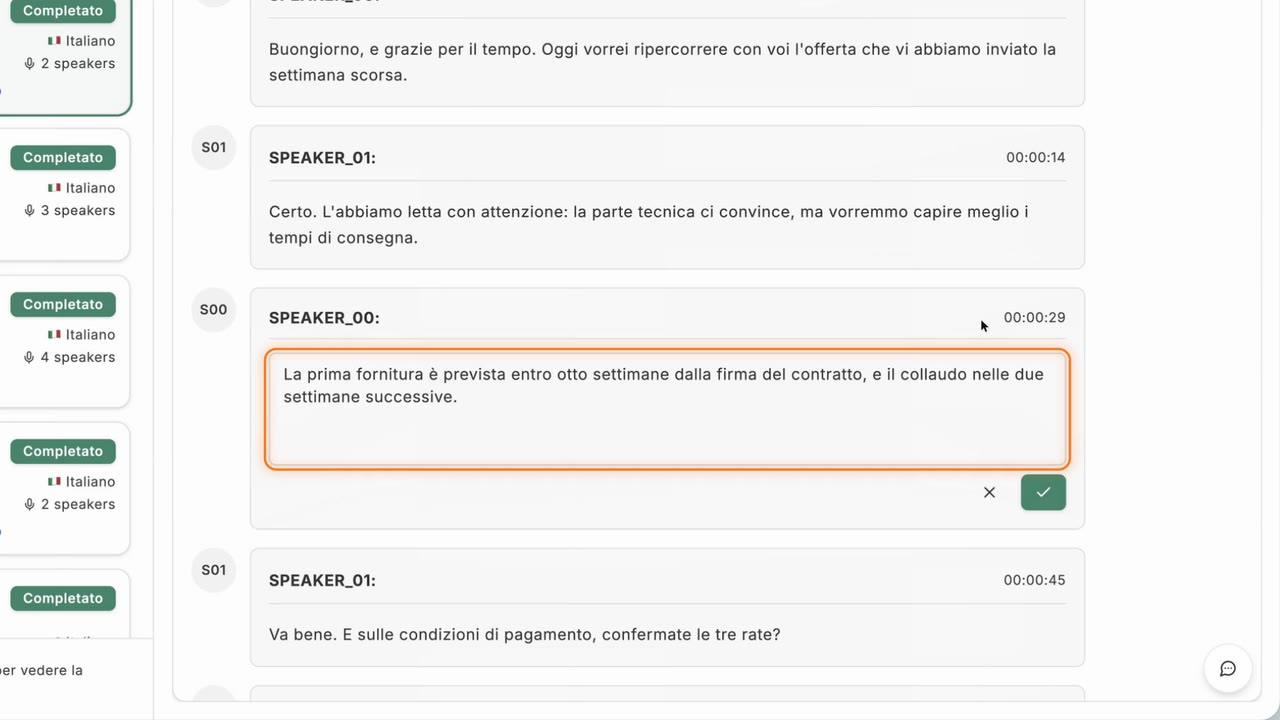
Transcribe recordings with Telegram and work on your transcriptions.
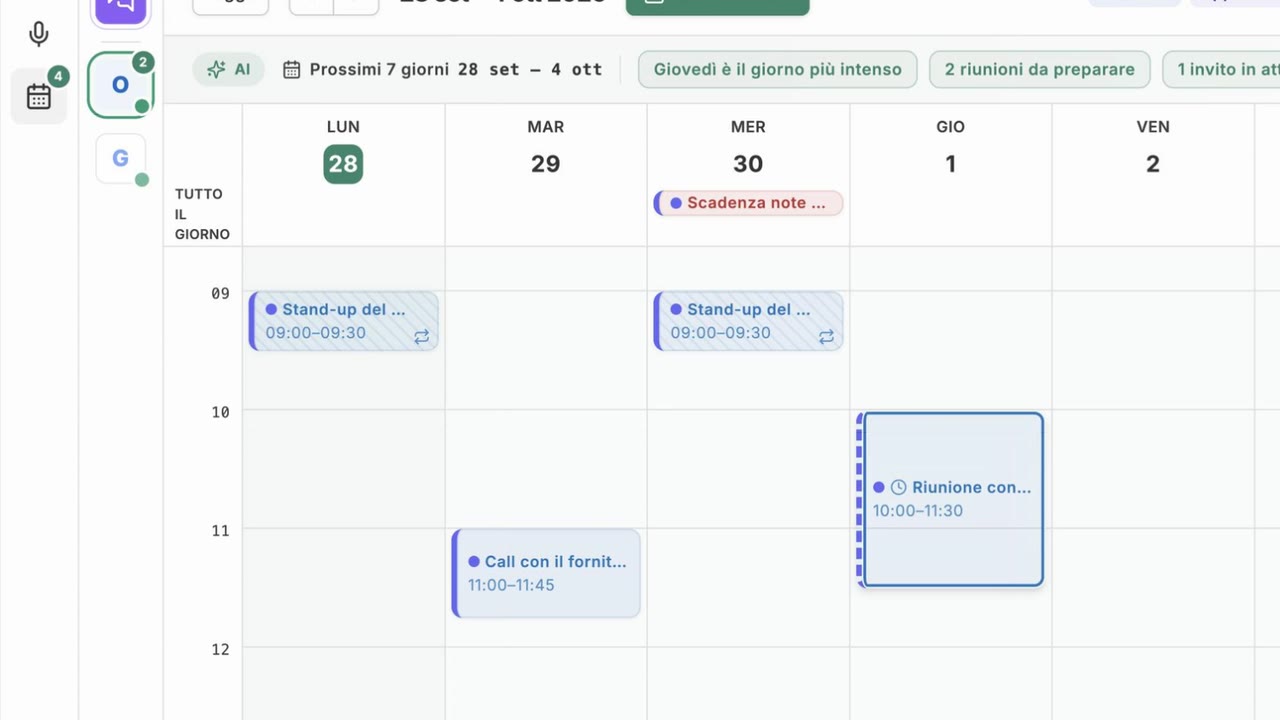
Connect mail and calendar, write emails and events with the assistant, manage integrations.
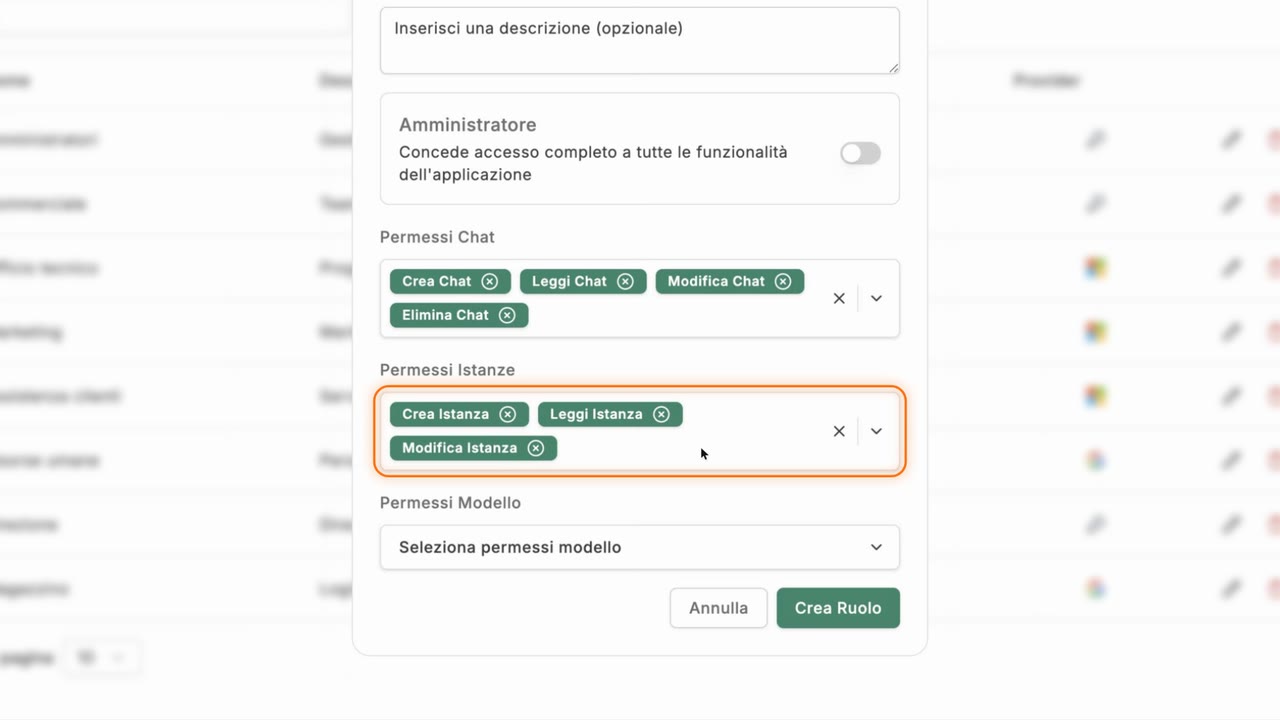
Roles and users, storage sources, system settings and API keys.
Ask the assistant.