



Workspaces
Create a workspace, choose Standard or MAX, turn on connectors and manage its settings.
Lessons
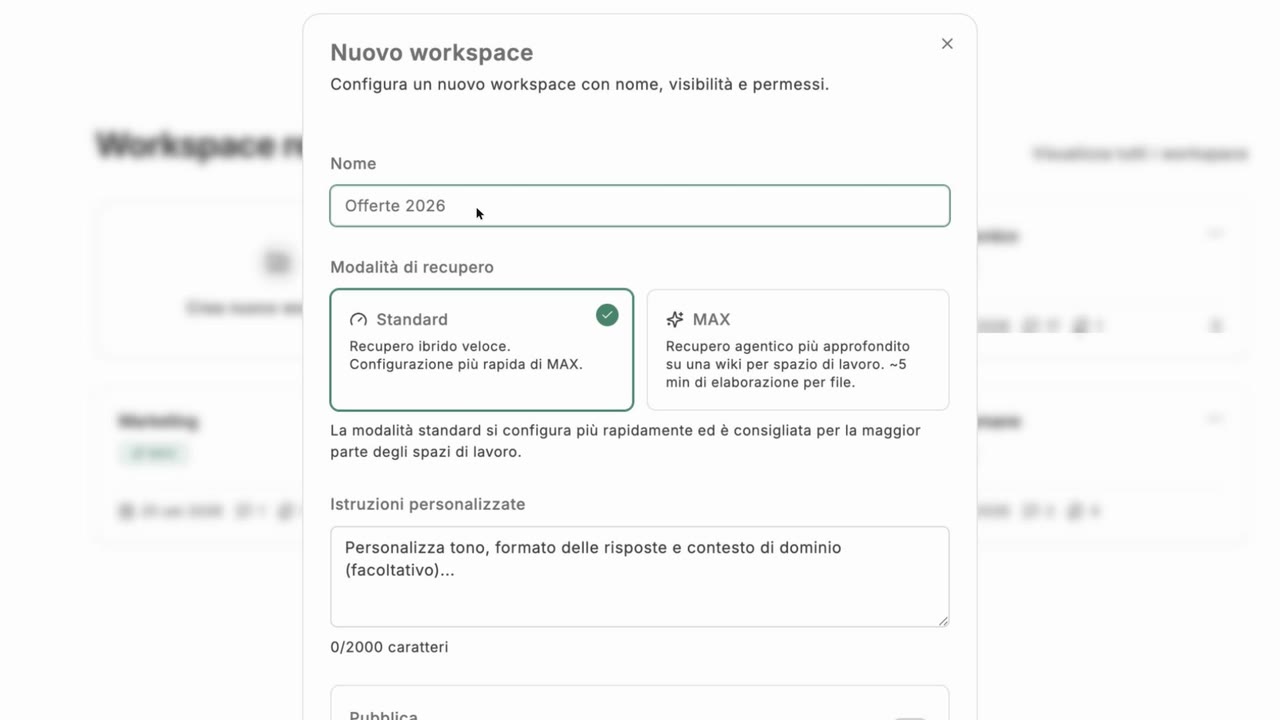
- Create a workspaceHow to create a workspace in ORIZON 01: the name, the retrieval mode, the custom instructions and who can access it.2 min read
- Standard or MAXHow the assistant searches for information in your documents in Standard or MAX mode, and which one to choose for your workspace.2 min read
- Workspace connectorsHow you choose the work tools the assistant can consult in a workspace: mail, calendar, support tickets or CRM.1 min read
- Workspace settingsHow you edit a workspace: the name, the custom instructions, who can access it and how to delete it.1 min read
Still stuck?
Ask the assistant.